Racing Techniques
How Telemetry Analysis Makes You Faster
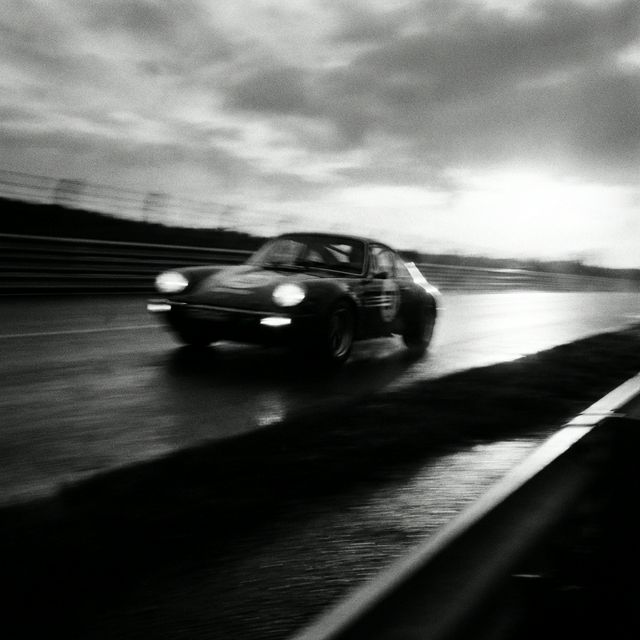
“I felt fast that lap.” The stopwatch says you were 2 seconds slower. Why?
Human sensors are calibrated for survival, not lap time. Force feedback lies to you. Data never lies.
This is the most powerful tool. It’s a graph of speed vs. distance. What to look for:
Are you using 100% of the tire 100% of the time? The G-Sum channel tells you combined braking and turning force. If you brake at 1.0G, turn in, and the G-force drops to 0.5G… you left grip on the table.
Most drivers coast for 200 feet before Turn 2. Looking at the data, we see:
Result: 0.4 seconds gained in one braking zone.
You don’t need a MoTeC engineer to find speed. You just need to know what to look for. Send me your data file (Garmin, AIM, VBOX) and I’ll record a video review for you.